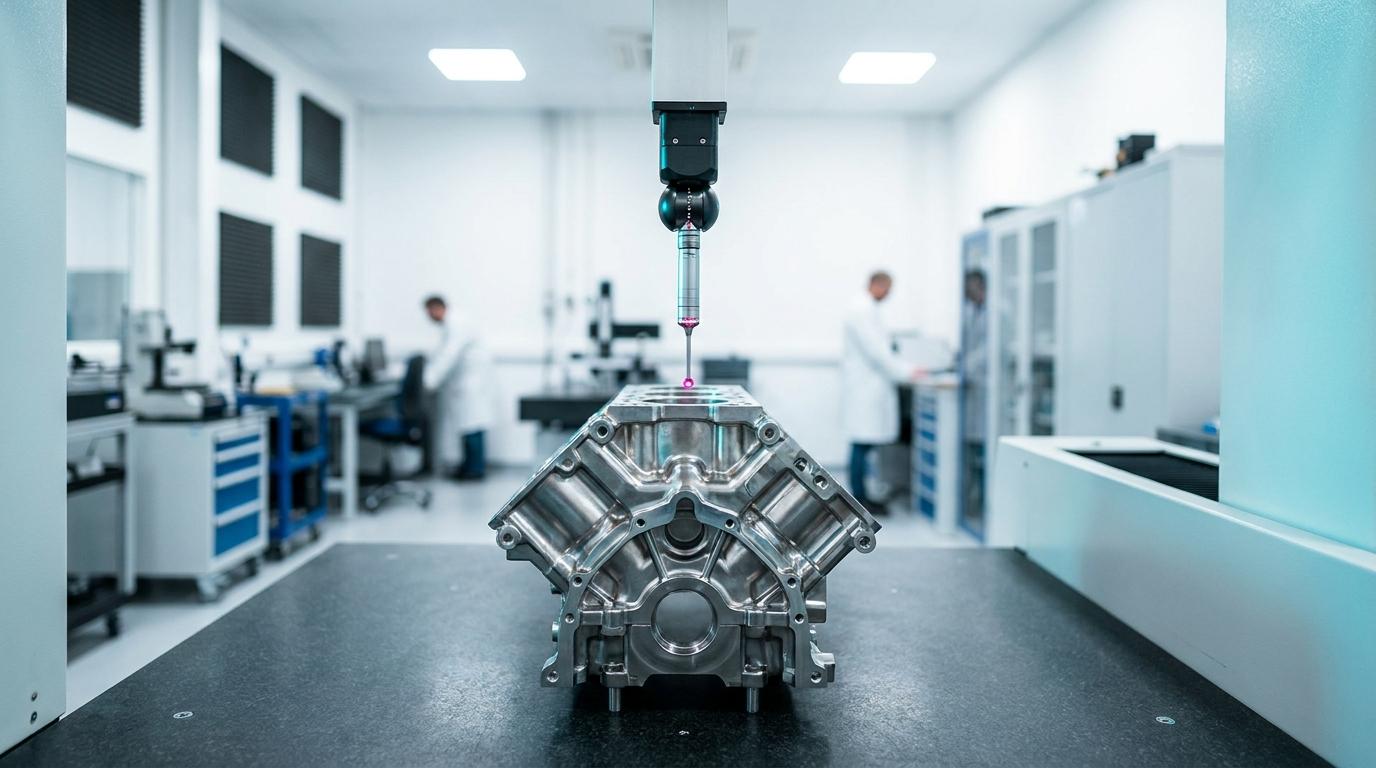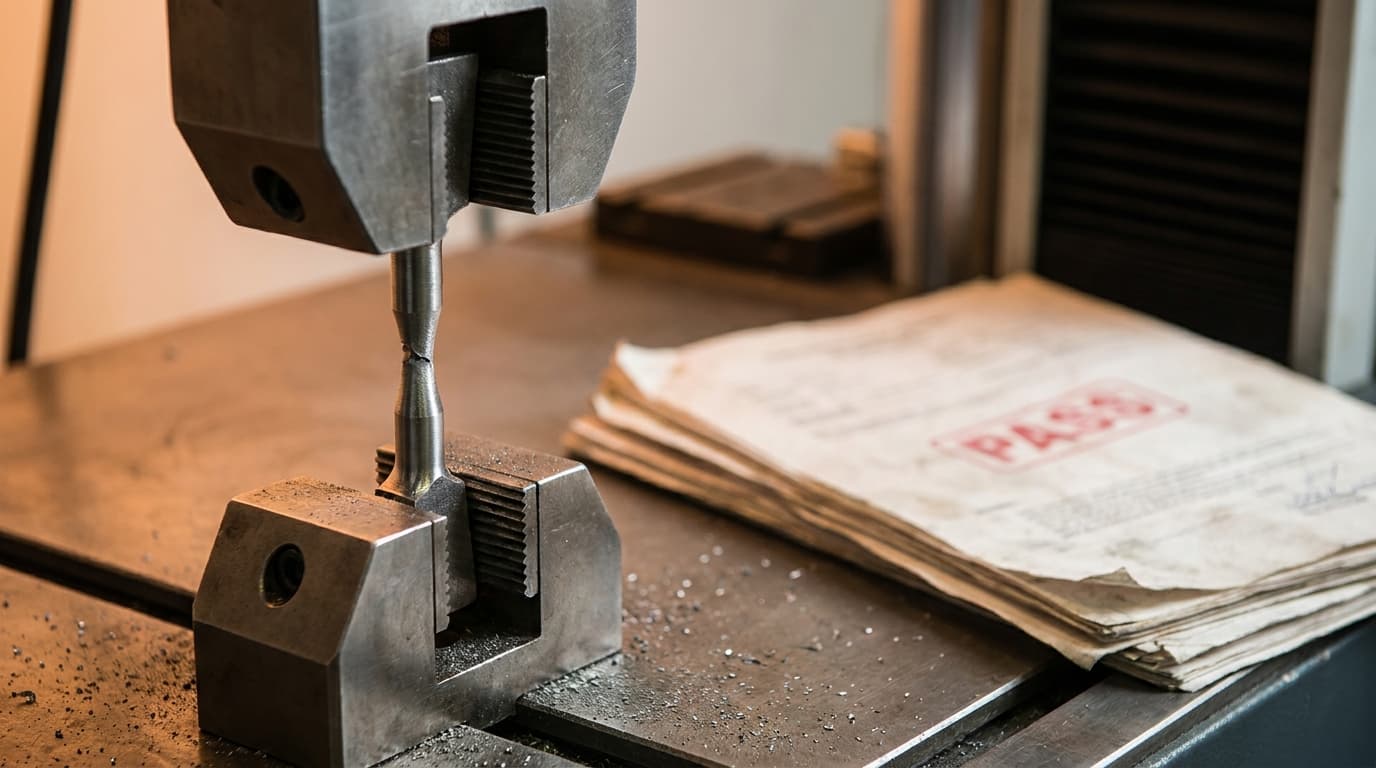
The package took three weeks. Control plan, PFMEA, MSA studies, capability on the four special characteristics, dimensional results on twelve parts off the significant production run. All of it is assembled. The last thing standing between you and the customer portal is one page: the Part Submission Warrant. So at 6pm on a Thursday you open the customer's warrant form, retype the part number, retype the drawing revision, retype the supplier code and the manufacturing site, and then tick your way down seventeen checkboxes from memory of what you put in the folder.
Ten days later it comes back. Element 13, Appearance Approval Report, is checked as submitted, and there is no AAR in the package because the part is a machined bracket with no color requirement and it should have been marked not applicable. The drawing revision on the warrant says B. The design record in the binder is Rev C. The parts are fine. The process is fine. The cover sheet lied about the contents, and under PPAP rules the cover sheet is the part the customer signs. This post is about how QualityEngineer.ai builds PPAP Element 18 out of the package instead of out of your memory, why the warrant is generated rather than typed, and what that removes from the Thursday night.
What is a Part Submission Warrant and what has to be on it?
The Part Submission Warrant is PPAP Element 18, the cover document that certifies a production part submission and lists the disposition of every other element in it. It carries the part identification, the submitting organization and manufacturing site, the customer, the reason for submission, the submission level, an element by element declaration of what is included, an authorized signature, and a date.
It is the only element that is about the other elements. Everything from Design Records through Customer-Specific Requirements is evidence about the part. The warrant is a claim about the evidence, which is why it is the piece a reviewer checks first and the piece that gets a package returned before anybody opens Element 9. If you need the ground floor on the rest of it, the eighteen elements and what each one has to show is the full walkthrough, and what PPAP is and when it is triggered sits underneath that. In IATF 16949 the whole submission is required by Clause 8.3.4.4, the product approval process, and the warrant is the artifact that closes it.
Two fields on the warrant do more work than the rest. The reason for submission tells the customer why they are looking at a package at all: initial submission, engineering change, tooling transfer, correction, change to optional construction or material, sub-supplier or material source change. The submission level tells them how much of the package they should be holding, and that is the field that most often contradicts the folder it arrived with. The five submission levels control which elements are submitted and which are retained at your plant, so declaring Level 3 and shipping a Level 1 set of documents is a self reported discrepancy.
The warrant review is one of the six heavy elements in our 30 minute PPAP session, where the fields get validated and the declared submission level is checked against what is actually in the package. Watch the replay. Free, no signup.
Why does a PSW get kicked back when the parts are good?
Because a warrant is rejected on internal contradictions, not on part quality, and every one of those contradictions comes from the same root cause: the warrant is authored separately from the package it describes. Four patterns cover most of it.
The first is the checkbox that does not match the folder. An element is marked submitted and the document is not in the package, or an element is quietly marked not applicable with no justification a reviewer can accept. The second is the level mismatch above. The third is a revision mismatch, where the warrant names Rev B and the design record, the control plan, or the dimensional results are built to a different revision. The fourth is signature authority: the warrant is signed by the engineer who built the package rather than by the quality or operations leader with authority to certify it, or it is signed and never dated.
None of those are engineering failures. They are transcription failures, and they happen because in a spreadsheet and shared drive workflow the warrant is a separate file. It has its own copy of the part number, its own copy of the revision, and its own idea of what is in the folder, and all three go stale the moment anything in the package moves. The package can change on Wednesday and the warrant, sitting in its own file, will keep saying whatever it said on Monday.
How does QualityEngineer.ai fill the warrant from the package instead of from memory?
The warrant is a section of the package builder, not a separate document, and its element table is populated from the live status of the elements sitting in that package. In the Package module, Element 18 opens inline at the bottom of the element list. The seventeen element rows come up already dispositioned: an element that is submitted, under review, or approved shows as submitted, an approved element shows as acceptable, and an element marked not required or waived shows as not applicable. You are reviewing a filled table, not remembering one.
The part identification block is pre-filled the same way, from the package metadata rather than from typing. Part name, part number, drawing revision, the submitting organization and its supplier code all arrive from the package. The customer is deliberately not a free text field on the warrant. It is bound to the customer linked on the request itself, the same field the package header picker reads and writes, so the two surfaces cannot disagree with each other. That is a small design decision with a large consequence: there is no state in which the header says one customer and the warrant says another, because there is only one field.
Why generated and not just templated. A template still requires a human to carry the truth across, and the whole failure class we are trying to kill is the carry. If the AAR element gets waived on Wednesday because the bracket has no appearance requirement, the warrant's row for Element 13 changes with it. The claim and the evidence are the same data read twice, so drift between them is not something you have to catch. It cannot open in the first place.
This is the same principle the rest of the platform runs on. In the Build module, the control plan is generated from the PFMEA rather than typed alongside it for exactly this reason, and dimensional results feed PPAP Element 9 straight from the inspection record instead of being re-keyed into a submission form. One authored source, many views of it.
What happens when the package and the warrant disagree?
The package validation runs the cross checks that a customer reviewer would run, before the warrant is signed rather than after it is submitted. Three of those checks are aimed straight at the warrant's credibility.
Element completeness is evaluated against the declared submission level, not against a generic list. The validator reads the level on the request, resolves which elements that level requires you to submit, and reports any of them still sitting in a required state. This is the level mismatch pattern caught at the source: if you declare Level 3 and the package is not carrying what Level 3 submits, you get told in the builder.
Document attachment checks that every element claiming to be submitted is actually backed by content, either an uploaded document or an auto-linked artifact generated inside the platform. Sample Production Parts, Master Sample, and Checking Aids are attested by status instead, because the evidence for those three is a physical retain on your shelf and a missing file is expected rather than a defect. The rejected elements check is the third: an element a reviewer has already rejected cannot sit inside a package that a warrant is about to certify as complete.
The warrant itself is treated as content the same way. Element 18 is satisfied by a filled warrant form or an uploaded warrant file, and the validator looks at the warrant record rather than hunting for an attached document that a generated cover sheet would never have. That plumbing exists because the earlier behavior false flagged a complete warrant, which is the kind of thing that teaches a team to ignore its own validation output.
What if your customer requires their own warrant form?
Then you upload theirs, and the platform treats that as the warrant rather than making you fill out ours too. Element 18 offers two paths and they are explicitly alternatives, not steps: fill out the standard warrant template, or upload a completed warrant file. Picking one when the other already has data prompts a confirmation before it clears the path you are leaving, so you cannot end up with a signed PDF and a half typed form both claiming to be the submission warrant.
This matters more than it looks. Large customers flow down their own warrant format, sometimes as a controlled document you are not allowed to substitute, and a tool that only supports its own template quietly forces a shadow process where the real warrant lives in email and the system of record holds a decoration. The status badge tracks which path is real: not set, draft, complete by template, or complete by upload. When you are collecting packages from your own suppliers rather than sending them, the same element model backs supplier quality.
What does the warrant look like when it ships?
It ships as the front of the package. When the package is exported for a customer, the generated warrant is written as 00_Part_Submission_Warrant.pdf, the first file in the archive, with a disposition table built from the same element statuses that decided which documents went into the archive alongside it. The cover and the contents are generated in one pass from one source, so the archive cannot contain a cover claiming an element that the archive does not carry.
Two variations ride on top of that without changing the substance. Organizations on the higher tiers get their own logo and brand color on the document header, and white label removes our branding entirely, because a warrant going to your customer should look like your document. And for an organization whose standards profile is aerospace, the cover wording shifts toward First Article Inspection framing rather than automotive PPAP wording, while the eighteen element disposition table, the summary, and the layout stay identical. Dual certified shops end up needing both vocabularies for the same underlying package, which is the practical reason FAI and PPAP keep landing on the same desk.
Who signs the warrant, and what does the signature actually certify?
An authorized quality or operations leader signs it, and the signature certifies that the samples the warrant covers are representative of your parts and were made by a process that meets all Production Part Approval Process requirements. That is a statement about the process, not just about the twelve parts in the box, which is precisely why the signing authority is supposed to sit above the person who assembled the package.
The certification statement, the authorized signature, and the signature date are fields on the warrant, and the completion state is explicit rather than implied. A warrant sits as a draft until it is marked complete, so a package cannot drift into a submitted state on the strength of a form somebody started and walked away from. Separating the roles is worth nothing if the leader is signing a claim they cannot check, which is the real argument for generating the element table: the disposition rows they are certifying came from the package, not from the recollection of the person handing them the pen.
What this takes off the quality engineer's plate
The Thursday night retype goes away. So does the ten day wait to discover that Element 13 was checked when it should have been not applicable, because the element table was never typed in the first place and the mismatch had no way to enter. You still make every judgment call that matters: whether the reason for submission is really an engineering change or a correction, whether an element is legitimately not applicable, whether the package is honest enough to sign. What you stop doing is copying the part number and the revision into one more document, ticking seventeen boxes from memory, and finding out from your customer which one you got wrong.
If you want to see it against a real package, build one in the Package module and open Element 18 on it, or start a trial and run a part you already have paperwork for. The warrant is the shortest document in the submission and the one most likely to get the whole thing returned. It should be the one you spend the least time on.
FAQ
What is PPAP Element 18?
Element 18 is the Part Submission Warrant, the cover document that certifies a PPAP submission and declares the disposition of the other seventeen elements. It carries part identification, the submitting site, the customer, the reason for submission, the submission level, the element by element declaration, an authorized signature, and a date. It is the only element whose subject is the rest of the package.
Who is authorized to sign a Part Submission Warrant?
A quality or operations leader with authority to certify the submission, not the engineer who assembled the package. The signature certifies that the submitted samples are representative of production parts made by a process meeting all PPAP requirements, which is a claim about the process, so it is expected to come from someone accountable for the process rather than from the person who compiled the evidence.
What is the most common reason a PSW is rejected?
An element declared as submitted that is not actually in the package, or declared as not applicable with no justification the customer accepts. The other frequent rejections are a submission level that does not match the package contents, a drawing revision on the warrant that disagrees with the design record behind it, and a warrant signed by an unauthorized person or left undated. All of these are contradictions between the warrant and its own package.
Does the submission level go on the PSW?
Yes, and it has to match what the package actually contains. The level determines which elements are submitted to the customer and which are retained at your facility, so declaring Level 3 while shipping a Level 1 document set is a discrepancy the reviewer can see from the cover sheet alone. Validation against the declared level is worth running before the warrant is signed rather than after it is sent.
Can you use your customer's own PSW form instead of a standard template?
Yes. Many customers flow down their own warrant format as a controlled document, so Element 18 supports uploading a completed warrant file as an alternative to filling out the standard template. The two paths are alternatives rather than steps, so a package carries one warrant of record and not a signed file competing with a half completed form.
Is a Part Submission Warrant the same thing as an AS9102 FAI?
No. The PSW is the automotive PPAP cover document under the AIAG process, while an AS9102 First Article Inspection report is the aerospace equivalent deliverable with its own Form 1, Form 2, and Form 3 structure. A dual certified shop often produces both off the same underlying evidence, which is covered in FAI versus PPAP.
Related Reading
- PPAP 18 Elements Checklist
- PPAP Submission Levels 1 Through 5
- What is PPAP?
- AS9102 Form 3 Dimensional Results
- FAI vs PPAP
About the Author
Daniel Crouse is the founder of QualityEngineer.ai and has spent 15+ years in supplier quality, PPAP, and manufacturing systems. He built QualityEngineer.ai because quality engineers deserve better tools than Excel.